What Is My Network? Complete Guide to ISP Peering, Public IP, ASN Routing & DNS Leaks
Discover everything about your connection identity: what is my network, which ISP routes your data, what is your Autonomous System Number (ASN), how Carrier-Grade NAT (CGNAT) affects your IP, and how to detect DNS leaks.
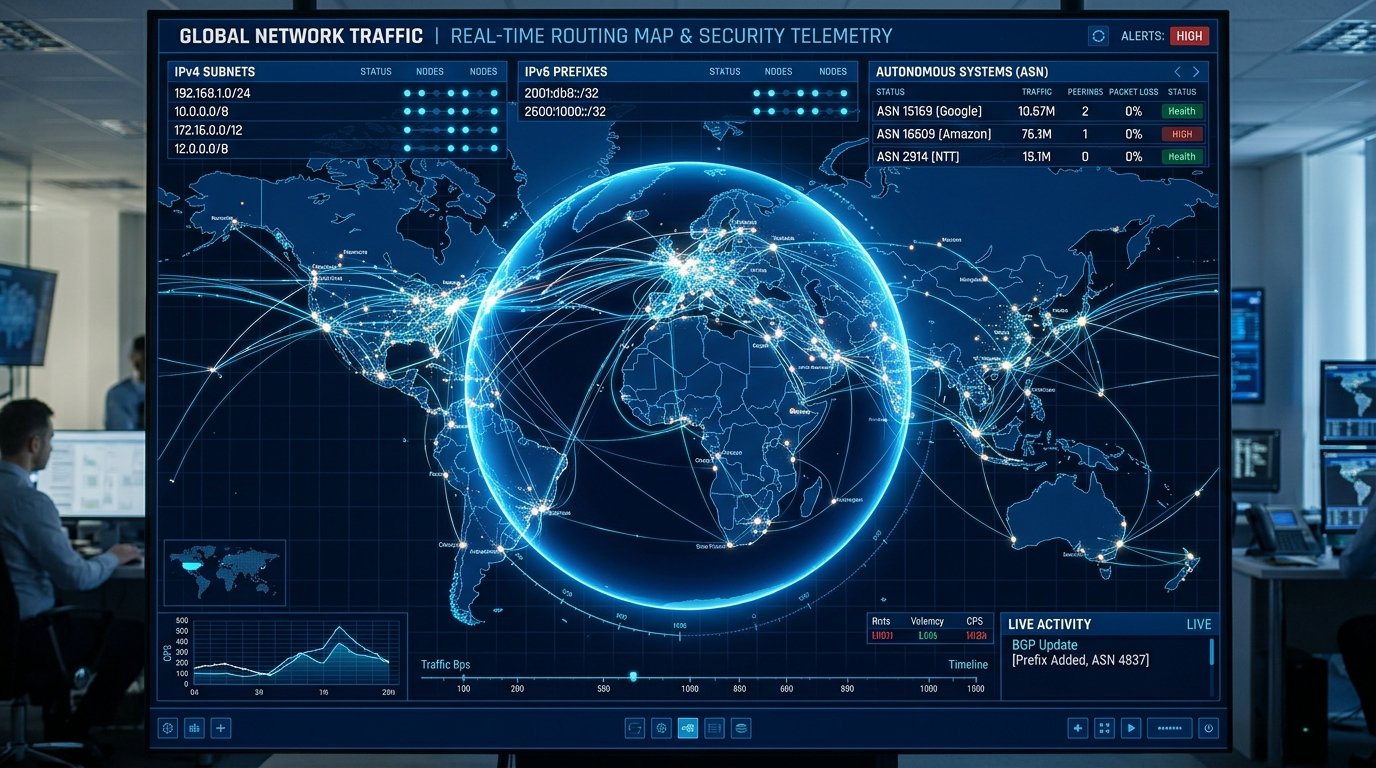
Whenever your computer, smartphone, or smart TV requests a web page, streams a movie, or joins an online game, thousands of network routers across the globe identify your device by its network identity. But what actually constitutes your digital network footprint? When you ask "What is my network?", the answer involves far more than your home Wi-Fi name.
In this comprehensive guide, we dissect the layers of your network identity: your public IP address (IPv4 vs. IPv6), your Internet Service Provider (ISP), Autonomous System Numbers (ASN), BGP routing paths, and how to detect DNS and IP leaks that compromise your privacy.
1. The Anatomical Layers of Your Network Identity
Every internet connection operates across three distinct organizational layers:
| Network Identifier | Technical Function | Public Visibility | Where to Check on WRLDU |
|---|---|---|---|
| Public IP Address (IPv4 / IPv6) | Unique numerical address assigned to your modem or cellular connection for global packet routing. | Visible to every web server you connect to. | What Is My IP Tool |
| Internet Service Provider (ISP) | The telecommunications carrier (e.g., Comcast, AT&T, Verizon, Spectrum, Telia) providing your physical line. | Publicly registered via ARIN, RIPE, APNIC, or LACNIC. | WRLDU Network Inspector |
| Autonomous System Number (ASN) | A globally unique 16-bit or 32-bit identifier for the BGP network routing your internet traffic. | Publicly broadcast across global Border Gateway Protocol tables. | IP & Domain Lookup Tool |
| DNS Resolver Address | The server converting domain names (e.g. wrldu.com) into numerical IP addresses. | Visible to authoritative nameservers. | DNS Speed Benchmark |
2. Public IP vs. Private IP vs. Carrier-Grade NAT (CGNAT)
Understanding your IP address requires distinguishing between three scopes:
- Private IP Address (Local): Addresses within the reserved RFC 1918 ranges (e.g.,
192.168.1.15or10.0.0.42). These are assigned by your home router and exist only inside your local residence. They are never routable over the public internet. - Public IP Address (Global): The unique global address that remote servers see when you browse the web (e.g.,
198.51.100.74). - Carrier-Grade NAT (CGNAT): Due to global IPv4 address exhaustion, many mobile operators and modern fiber ISPs no longer assign unique public IPv4 addresses to individual households. Instead, hundreds of subscribers share a single public IP via Carrier-Grade NAT (RFC 6598
100.64.0.0/10range). While normal web browsing works seamlessly, CGNAT can cause strict NAT type warnings in online console gaming and prevent hosting home servers.
3. What Is an Autonomous System (ASN)?
The internet is not a single monolith; it is a global mesh of over 100,000 independent networks called Autonomous Systems (AS). Each Autonomous System is operated by an ISP, university, tech giant (such as Google AS15169, Cloudflare AS13335, or Amazon AS16509), or government agency.
Autonomous Systems use the Border Gateway Protocol (BGP) to announce IP prefixes to one another. When you perform an IP & Domain Lookup on WRLDU, our system inspects the global BGP routing table to tell you exactly which Autonomous System routes your packets.
4. Detecting DNS Leaks and WebRTC Exposure
When using a VPN or proxy service, your primary goal is to mask your real IP and network identity. However, misconfigured operating systems often leak your real identity through two subtle vectors:
- DNS Leaks: Even if your HTTP web traffic is routed through an encrypted VPN tunnel, your computer may continue sending DNS lookup requests directly to your local ISP's unencrypted DNS server. Anyone monitoring your ISP connection can see every domain you visit. Test your resolver latency and routing with our DNS Speed Benchmark.
- WebRTC IP Leaks: Modern web browsers include WebRTC (Web Real-Time Communication) APIs for video chats. Malicious or poorly configured websites can query WebRTC STUN servers to reveal your true local and public IP addresses even behind a VPN. You can inspect your browser's reported WebRTC capabilities on our Browser Diagnostics Page.
Frequently Asked Questions (FAQ)
Can someone discover my home street address from my public IP?
No. Public IP geolocation databases (such as MaxMind or IPinfo) resolve IP addresses to an approximate city, metropolitan area, or ISP regional routing hub\u2014typically with an accuracy radius of 5 to 25 miles. Only law enforcement armed with a court subpoena can compel an ISP to match a timestamped IP lease to a subscriber billing address.
How can I verify what my public IP address is right now?
Simply navigate to wrldu.com/whatismyipaddress. The page instantly displays your public IPv4 or IPv6 address, ISP carrier organization, country, city, and ASN details.
Editorial note: figures and ranges in this article are typical values compiled from vendor specifications, standards documents, and general industry references. They are illustrative and are not laboratory measurements made by WRLDU, so your own results will differ. See our Editorial Policy for how we write and update guides.