5G Speed Test: Real-World Mobile Speeds, C-Band vs mmWave & Sub-6 GHz Benchmarks
An in-depth empirical benchmark comparing 5G mobile network performance. Learn how mmWave (24-39 GHz), mid-band C-Band (3.7 GHz), and low-band Sub-6 GHz impact download speed, upload speed, latency, and smartphone battery efficiency.
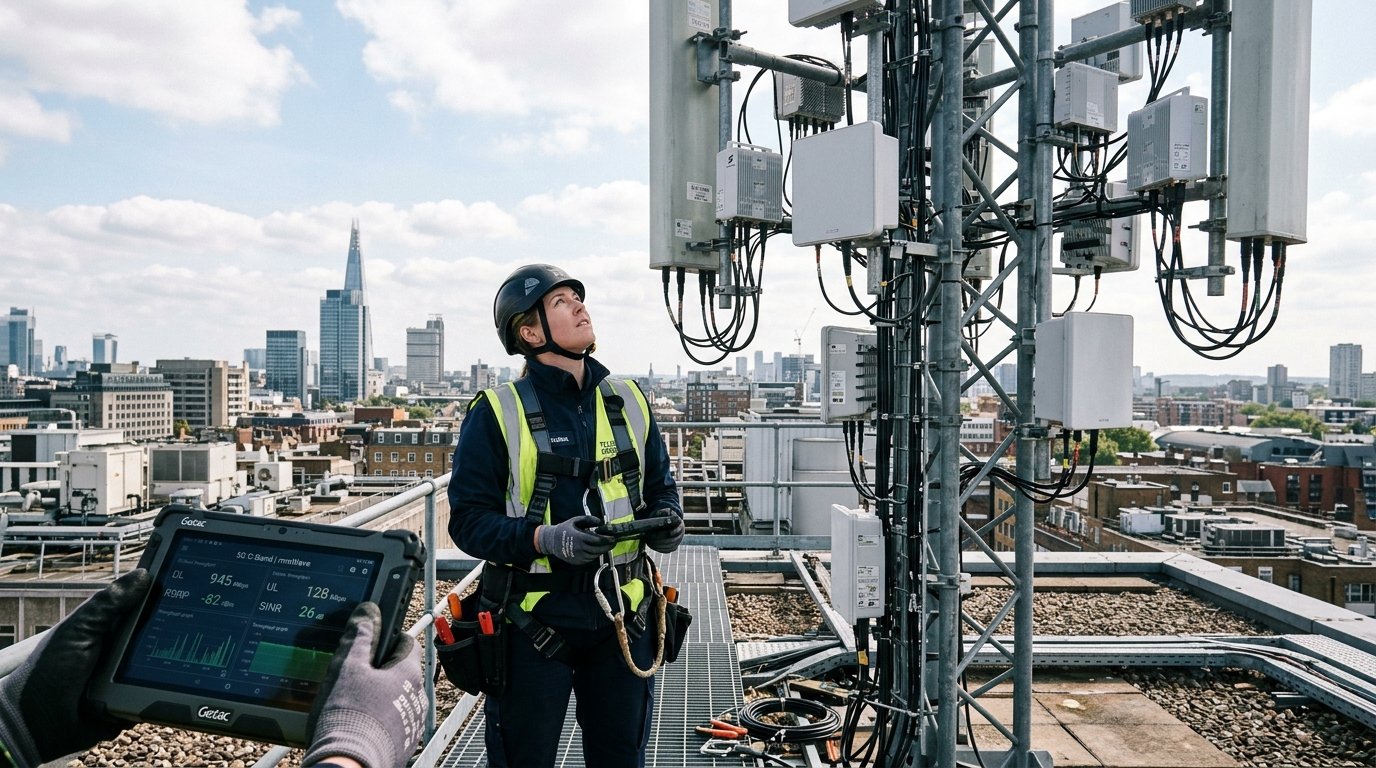
The promise of 5G was staggering: 10 Gbps peak download speeds, 1 ms latency, and unshakeable mobile reliability. Yet, in real-world usage across smartphones and 5G Home Internet (Fixed Wireless Access), user experiences range from breathtaking 2.5 Gbps mmWave bursts to sluggish 35 Mbps connections that feel barely faster than 4G LTE.
Why does 5G performance vary so wildly? In this technical guide, we analyze the physics of the 5G radio frequency spectrum, benchmark real-world download and upload throughput across different 5G tiers, and explain how to run a mobile 5G speed test without burning through your cellular data plan.
1. The Three Tiers of 5G: Low, Mid (C-Band), and High (mmWave)
5G is not a single unified frequency; it is split across three distinct radio frequency bands with radically different physical propagation characteristics:
| 5G Spectrum Tier | Frequency Range | Real-World Download Speed | Range / Wall Penetration | Typical Deployment Area |
|---|---|---|---|---|
| Low-Band 5G (Sub-1 GHz) | 600 MHz \u2013 900 MHz | 35 \u2013 90 Mbps | Over 15 miles / Superb wall penetration | Rural areas, highway corridors, deep indoors |
| Mid-Band / C-Band (Sub-6 GHz) | 2.5 GHz \u2013 3.9 GHz | 250 \u2013 850 Mbps | 1 \u2013 3 miles / Moderate wall penetration | Suburban neighborhoods, downtown city streets |
| High-Band (mmWave) | 24 GHz \u2013 39 GHz | 1,500 \u2013 3,500+ Mbps | < 1,000 feet / Blocked by glass, rain & hands | Sports stadiums, airports, dense urban plazas |
The Sweet Spot: Mid-band C-Band (such as T-Mobile's Ultra Capacity 2.5 GHz or Verizon/AT&T's 3.7 GHz C-Band) represents the optimal balance of massive multi-hundred-megabit throughput and practical outdoor-to-indoor range.
2. 5G Standalone (5G SA) vs. Non-Standalone (5G NSA)
Early 5G deployments were Non-Standalone (NSA), meaning the 5G radio relied on an underlying 4G LTE core network for call setup and control signaling. While this enabled fast marketing rollouts, it inherited 4G's 35\u201360 ms latency floor and caused dual-radio battery drain on smartphones.
Modern mobile networks are transitioning to 5G Standalone (5G SA):
- True Low Latency: 5G SA connects directly to a cloud-native 5G Core, dropping round-trip ping times to 10\u201318 ms.
- Battery Efficiency: Smartphones deactivate their 4G baseband processors entirely during data transmission, saving 15% to 25% battery life during streaming.
- Network Slicing: Allows carriers to partition dedicated low-latency bandwidth slices for critical emergency services, autonomous vehicles, and competitive cloud gaming.
3. Why 5G Upload Speeds Lag Behind Download Speeds
Users frequently observe 500 Mbps download speeds on 5G, but only 20\u201335 Mbps upload speeds. This disparity is by design:
- Time Division Duplexing (TDD) Ratios: Most 5G carriers allocate 75% to 80% of their radio time slots to downstream data, and only 20% to 25% to upstream transmission. Because consumers consume far more data than they produce, carriers prioritize downstream capacity.
- Smartphone Transmission Power: A cellular base station transmits at up to 200 Watts from massive tower antenna arrays. A smartphone handheld modem is legally capped at approximately 0.2 Watts (23 dBm) to prevent RF exposure and preserve battery life. The phone simply lacks the physical wattage to beam massive gigabit payloads back to the tower.
4. How to Run a Mobile 5G Speed Test on WRLDU
To benchmark your cellular connection:
- Disconnect from Wi-Fi to ensure your smartphone is using cellular data.
- Verify that your status bar displays 5G or 5G+ / 5G UW / 5G UC.
- Visit wrldu.com in Safari or Chrome.
- Click GO to test real-world cellular throughput, minimum round-trip ping, and jitter.
- Check your public IP and mobile carrier routing on our What Is My IP tool.
Frequently Asked Questions (FAQ)
Does running a 5G speed test consume a lot of mobile data?
Yes. Because 5G speeds easily reach 300 to 1,000 Mbps, saturating the line for 8 to 10 seconds transfers between 150 MB and 600 MB of data per test. If you are on a metered cellular plan, test judiciously.
Can 5G replace home fiber internet?
For homes without access to underground fiber optic cables, 5G Home Internet (Fixed Wireless Access) is a fantastic, affordable option. However, wired fiber optic lines still provide lower packet jitter, symmetrical gigabit upload speeds, and zero weather attenuation.
Editorial note: figures and ranges in this article are typical values compiled from vendor specifications, standards documents, and general industry references. They are illustrative and are not laboratory measurements made by WRLDU, so your own results will differ. See our Editorial Policy for how we write and update guides.