Why Is My Internet Speed Test Fast but Online Games Still Lag? (How to Test Gaming Status & Ping)
Having 500 Mbps download speed does not guarantee smooth gaming. Learn why high bandwidth cannot fix packet jitter, latency spikes, and bufferbloat in Valorant, CS2, Fortnite, and Call of Duty.
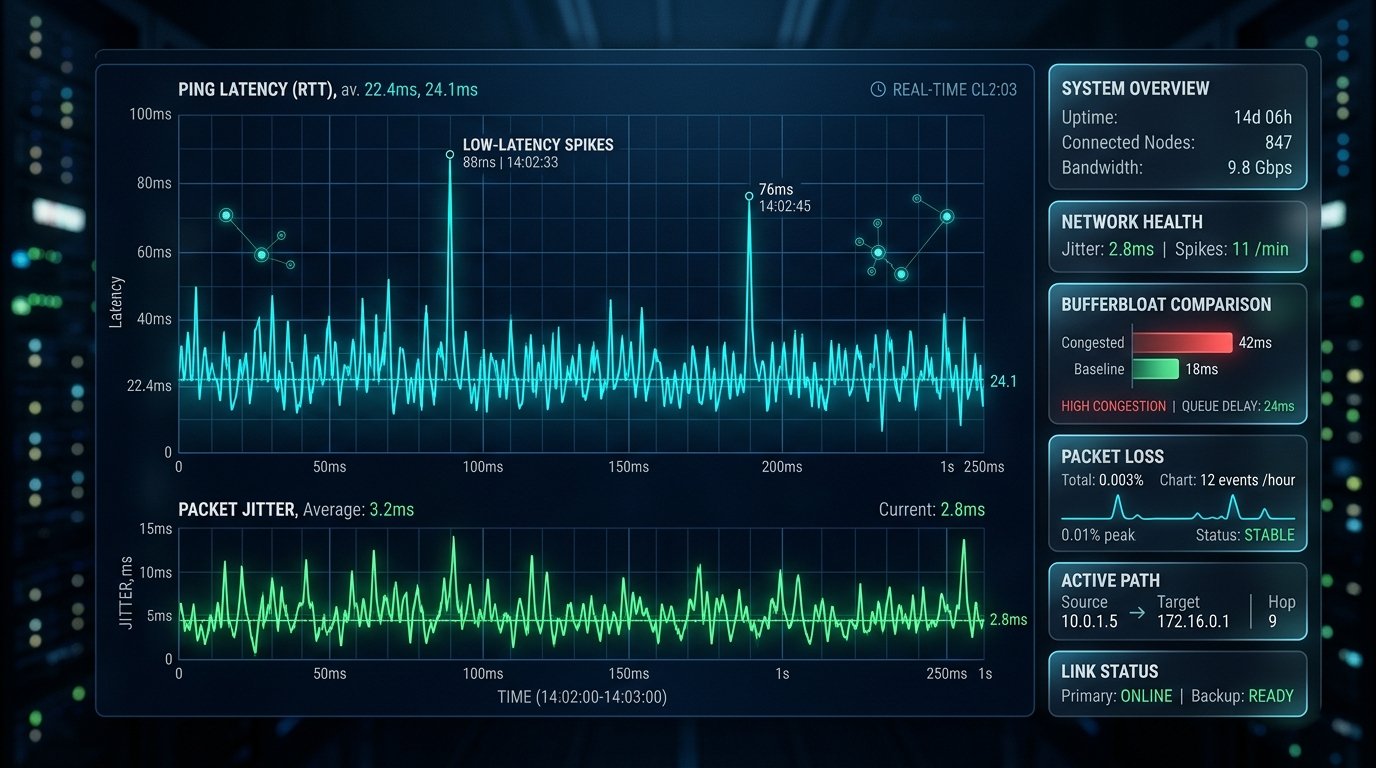
It is one of the most frustrating experiences in competitive gaming: you subscribe to a premium 500 Mbps or 1 Gbps fiber broadband plan, your standard speed test reports blazing-fast numbers, yet the moment you load into a match of Valorant, Counter-Strike 2, Fortnite, or Apex Legends, you suffer from sudden lag spikes, bullet hit-registration delays, and rubberbanding. Why does this happen?
Question: What Is the Difference Between Bandwidth and Ping?
Answer: The root of the confusion lies in treating bandwidth and latency as the same thing:
- Bandwidth (Download & Upload Mbps): This measures volume capacity\u2014how much data can pass through your cable per second. Think of bandwidth as the width of a multi-lane highway.
- Latency (Ping in ms): This measures speed of delivery\u2014how many milliseconds it takes for a single packet to travel from your PC to the game server and return. Think of latency as the speed limit on that highway.
Online multiplayer games do not require massive bandwidth; in fact, competitive FPS games rarely consume more than 1 to 2 Mbps of data. Instead, gaming demands temporal consistency. If your packets take 20ms one moment and jump to 180ms the next, you will experience severe visual stutter regardless of how many gigabits your connection has.
Question: What Is Packet Jitter and Why Does It Ruin Aiming?
Answer: Jitter is the statistical variance between consecutive ping probes over time. For example, if packet 1 arrives in 25ms, packet 2 in 28ms, and packet 3 in 95ms, your jitter is high. In first-person shooters, high jitter causes the server to miscalculate your character hitbox, resulting in "ghost bullets" that hit on your screen but register as misses on the game server.
You can check your live jitter in real time using the WRLDU Live Ping & Jitter Monitor.
Question: What Ping Is Considered "Good" for Competitive Gaming?
| Ping Range (ms) | Rating | Multiplayer Experience |
|---|---|---|
| < 15 ms | God Tier (LAN Quality) | Zero perceptible delay. Instant peekers-advantage and hit registration. |
| 15 \u2013 35 ms | Excellent (Competitive) | Tournament-grade responsiveness for ranked matches in Valorant and CS2. |
| 35 \u2013 60 ms | Good (Standard) | Smooth gameplay; minor disadvantage against sub-15ms fiber opponents. |
| 60 \u2013 100 ms | Fair / Casual | Playable for MMOs and battle royales; noticeable delay in tactical FPS. |
| > 100 ms | Poor / Unplayable | Frequent rubberbanding, delayed actions, and missed hit registration. |
Question: How Do I Test My Internet Specifically for Gaming?
Answer: Standard speed tests only measure bulk file transfer rates. To diagnose gaming health, use the dedicated WRLDU Gaming Status Test:
- Open WRLDU Quality Assessment.
- Click "Test Now" to run the automated multi-phase probe.
- Review your Gaming Health Index: WRLDU calculates idle latency, loaded jitter, and bufferbloat under heavy downstream and upstream traffic.
Top 3 Quick Fixes to Eliminate Gaming Lag
- Ditch Wi-Fi for a Cat6 Ethernet Cable: Even the best Wi-Fi 6 router suffers from radio wave interference and physical wall reflection. Ethernet delivers 0% packet loss and locked latency.
- Enable SQM (Smart Queue Management) on Your Router: If family members streaming Netflix or downloading Steam updates causes your ping to skyrocket, enable CAKE or FQ-CoDel in your router settings.
- Change Your DNS to Cloudflare (1.1.1.1): Faster domain lookups ensure rapid matchmaking lobby connections. Test your DNS with the WRLDU DNS Test.
Editorial note: figures and ranges in this article are typical values compiled from vendor specifications, standards documents, and general industry references. They are illustrative and are not laboratory measurements made by WRLDU, so your own results will differ. See our Editorial Policy for how we write and update guides.