Wi-Fi 7 vs Wi-Fi 6E: Real-World Throughput, 320 MHz Channels & Multi-Link Operation (MLO) Explained
An in-depth engineering breakdown comparing Wi-Fi 7 (802.11be) against Wi-Fi 6E (802.11ax). Learn how 320 MHz channel width, 4096-QAM modulation, and Multi-Link Operation (MLO) slash latency and deliver multi-gigabit wireless performance.
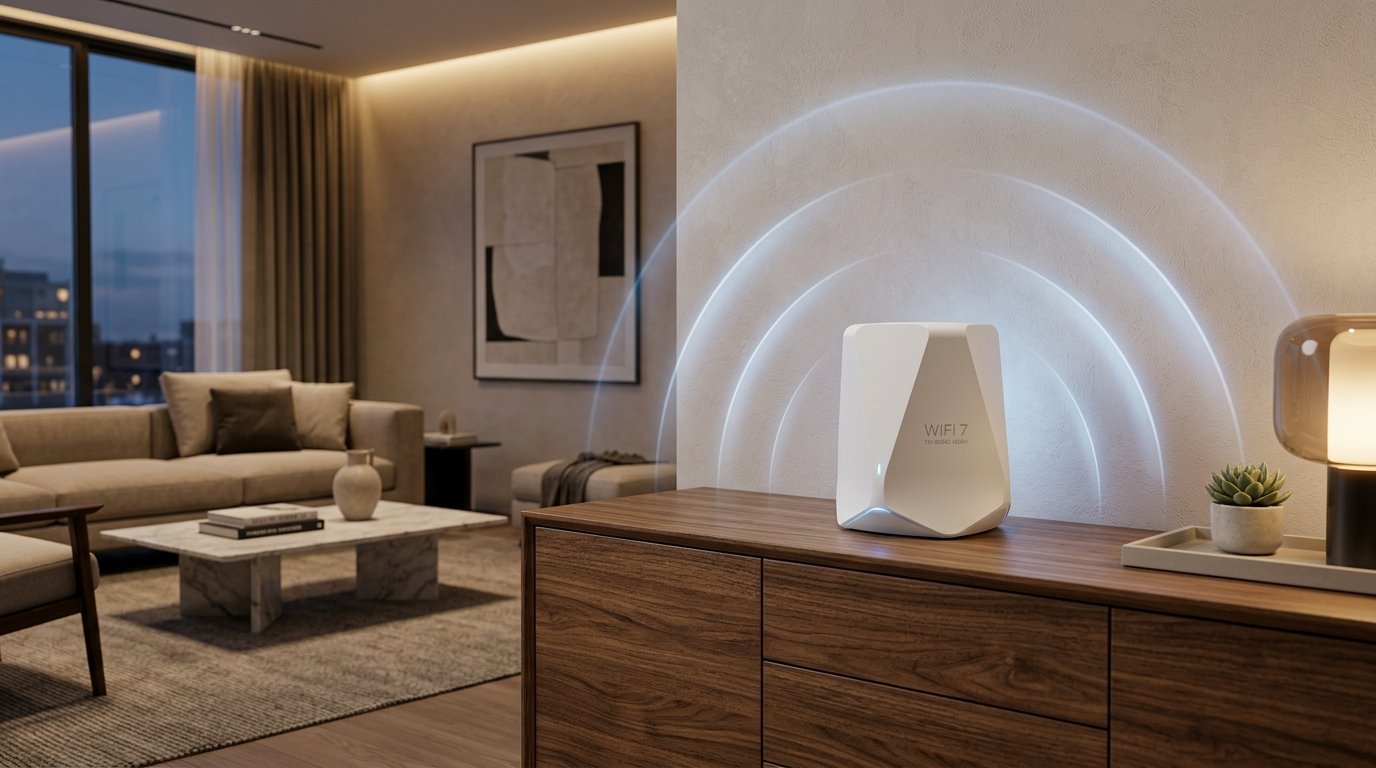
With home broadband connections rapidly advancing to 1 Gbps, 2.5 Gbps, and 10 Gbps symmetrical fiber, traditional wireless standards have become the single largest bottleneck in residential and commercial networking. Wi-Fi 7 (IEEE 802.11be Extremely High Throughput) represents the most significant wireless leap in over a decade, addressing the throughput, channel capacity, and deterministic latency requirements of next-generation digital applications.
While Wi-Fi 6E expanded wireless communications into the pristine, uncrowded 6 GHz spectrum, Wi-Fi 7 completely reinvents how wireless frames are transmitted, scheduled, and aggregated. In this guide, we analyze the core architectural differences between Wi-Fi 7 and Wi-Fi 6E, explore real-world speed test benchmarks, and examine whether upgrading your router is necessary in 2026.
Architectural Comparison: Wi-Fi 7 (802.11be) vs. Wi-Fi 6E (802.11ax)
| Specification | Wi-Fi 6E (IEEE 802.11ax) | Wi-Fi 7 (IEEE 802.11be) | Technical Impact |
|---|---|---|---|
| Frequency Bands | 2.4 GHz, 5 GHz, 6 GHz | 2.4 GHz, 5 GHz, 6 GHz | Both leverage the interference-free 6 GHz spectrum. |
| Max Channel Width | 160 MHz | 320 MHz (Ultra-Wide) | Doubles raw data throughput per channel in the 6 GHz band. |
| Modulation | 1024-QAM (10 bits/symbol) | 4096-QAM (12 bits/symbol) | 20% higher peak transmission density over short distances. |
| Multi-Link Operation (MLO) | No (Single band active) | Yes (Simultaneous Multi-Band) | Enables simultaneous transmission across 5 GHz + 6 GHz bands. |
| Spatial Streams (MIMO) | 8x8 MU-MIMO | 16x16 MU-MIMO | Doubles access point concurrency and client capacity. |
| Preamble Puncturing | Optional / Rudimentary | Mandatory & Flexible | Bypasses interference on sub-channels without dropping width. |
| Theoretical Max Speed | 9.6 Gbps | 46.1 Gbps | 4.8x higher theoretical raw physical throughput. |
The Game Changer: Multi-Link Operation (MLO)
In all legacy Wi-Fi standards (Wi-Fi 4 through Wi-Fi 6E), client devices are constrained to communicating over a single wireless band at any given millisecond. Even if your tri-band router broadcasted 2.4 GHz, 5 GHz, and 6 GHz signals simultaneously, your laptop or smartphone had to pick one band. If sudden radio frequency interference or wall obstruction disrupted that channel, the connection experienced packet loss, jitter, or a sudden latency spike while renegotiating.
Multi-Link Operation (MLO) changes this fundamental paradigm. Under Wi-Fi 7, MLO allows a single client device to connect to multiple frequency bands simultaneously:
- MLO Packet Aggregation: Transmits different data packets of the same file transfer simultaneously across both the 5 GHz (160 MHz) and 6 GHz (320 MHz) bands. By aggregating streams, real-world wireless throughput easily exceeds 4.5 Gbps on a single smartphone or laptop.
- MLO Redundancy & Instant Failover: Sends critical latency-sensitive packets (such as competitive esports commands, VR spatial tracking, or medical video streams) across two bands simultaneously. Whichever packet arrives first is processed; the duplicate is discarded. This eliminates bufferbloat and packet drops caused by momentary microwave or neighboring Wi-Fi interference.
320 MHz Channels: Doubling the Highway Width
Wi-Fi 6E introduced the 6 GHz spectrum, but restricted channel widths to 160 MHz. In Wi-Fi 7, channel capacity is expanded to 320 MHz. Think of channel width as lanes on an interstate highway:
With 320 MHz channels, Wi-Fi 7 doubles the number of subcarriers available to transmit binary payloads. Combined with 4096-QAM (which packs 12 bits of data into each radio symbol instead of 10 bits), a 2x2 MIMO client device achieves a theoretical PHY link rate of 5.76 Gbps over a single wireless connection—surpassing Cat6 Gigabit Ethernet cables.
Real-World Testing: Measuring Your Wi-Fi Bottlenecks
To verify whether your wireless network is delivering full throughput or suffering from latency jitter, use the WRLDU Unthrottled Speed Test:
- Idle Latency vs. Loaded Latency: Run a test right beside your router. If your idle ping is 4 ms but jumps to 90 ms during the download phase, your router suffers from bufferbloat or channel congestion.
- Check RFC Jitter: In high-speed Wi-Fi, jitter should remain below 2 ms. High jitter (> 10 ms) indicates that your device is frequently retransmitting dropped frames due to spectrum interference.
- Compare with Ethernet: Connect a wired Cat6 cable to establish your baseline fiber speed, then run a Wi-Fi test from your typical workspace to calculate exact wireless throughput attenuation.