Mobile Network Speed Test: 5G Ultra Wideband vs. 4G LTE Speed, Latency, and Tower Signal Optimization
Why do full 5G signal bars sometimes deliver slow speeds? A telecommunications guide to mobile speed testing, decoding carrier aggregation, C-Band vs mmWave, and optimizing cell tower signal metrics (RSRP, RSRQ, and SINR).
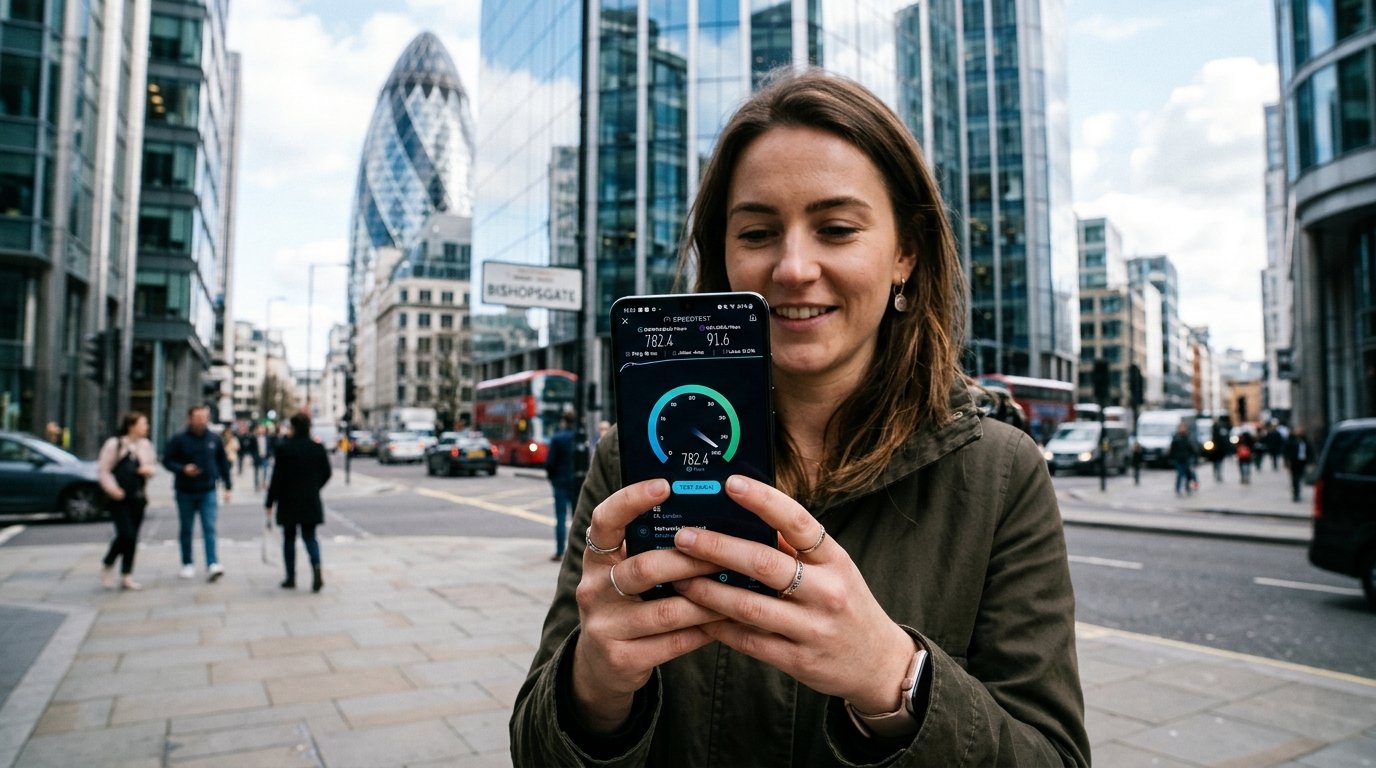
Modern smartphones display an array of mobile network symbols—5G, 5G+, 5G UW, 5G UC, and LTE. Yet every mobile user has experienced the puzzling anomaly of having "four full signal bars" on 5G while web pages stall and streaming video buffers indefinitely. How can a cellular connection report full signal strength while delivering unusable data speeds?
The answer lies in the fundamental distinction between radio frequency signal strength and actual data throughput capacity. A strong carrier signal simply indicates that your device can hear the nearby cell tower's pilot beacon; it reveals nothing about whether that tower has sufficient backhaul bandwidth or whether your phone is negotiating high-capacity spectrum bands. In this engineering guide, we deconstruct the 5G cellular hierarchy, analyze mobile speed testing mechanics, and reveal how to interpret professional signal telemetry.
1. The 5G Spectrum Tier Breakdown: Low-Band vs. Mid-Band vs. mmWave
Not all 5G is created equal. The 5G New Radio (5G NR) standard spans three vastly different radio spectrum tiers, each governed by trade-offs between physical coverage distance and throughput capacity:
| 5G Frequency Tier | Spectrum Band | Typical Download Speeds | Average Latency | Coverage & Penetration Range |
|---|---|---|---|---|
| Low-Band (Sub-1 GHz) | 600 MHz – 900 MHz (n71, n5, n8) | 35 Mbps – 110 Mbps | 32 ms – 55 ms | Massive rural reach (10–30 km); penetrates deep into buildings. |
| Mid-Band / C-Band (Sub-6) | 2.5 GHz – 3.7 GHz (n41, n77, n78) | 250 Mbps – 850 Mbps | 16 ms – 28 ms | The "Sweet Spot": suburban and urban coverage (1–3 km). |
| High-Band (mmWave) | 24 GHz – 39 GHz (n258, n260, n261) | 1,200 Mbps – 3,500 Mbps+ | 8 ms – 15 ms | Hyper-dense urban line-of-sight only (< 300 meters); blocked by glass/leaves. |
| Legacy 4G LTE Advanced | 700 MHz – 2.1 GHz (B2, B4, B12, B66) | 25 Mbps – 90 Mbps | 40 ms – 75 ms | Ubiquitous fallback coverage across worldwide carriers. |
2. Carrier Aggregation (CA): Combining Multiple Radio Lanes
When you witness a smartphone achieving 700 Mbps on a speed test, your phone is rarely using a single radio frequency. It is utilizing Carrier Aggregation (CA). Enabled by advanced baseband modems (such as Qualcomm Snapdragon X75/X80 and Apple custom silicon), Carrier Aggregation allows the phone to bind up to 4 or 5 separate cellular frequency channels simultaneously.
For instance, your device might bond a 20 MHz slice of low-band 600 MHz (for building penetration and uplink control) with an ultra-wide 100 MHz channel of 3.7 GHz C-Band (for massive download payload transfer). If you move behind a concrete pillar, the phone may instantly drop the high-frequency C-Band carrier, falling back to a congested low-band carrier—explaining why speed tests can fluctuate wildly within a few steps.
3. Decoding Professional Mobile Telemetry: RSRP, RSRQ & SINR
To diagnose true cellular connection quality, bypass the simplistic signal bars on your phone's status bar and inspect the underlying radio metrics using your smartphone's hidden Field Test Mode:
- On Apple iPhone: Open the Phone dialer, type
3001#12345#, and tap Call to launch the iOS Field Test Dashboard. - On Samsung Galaxy / Android: Open the dialer and type
*#0011#to access the Service Mode RF readout.
| Radio Telemetry Metric | What It Measures | Excellent Range | Poor / Congested Range |
|---|---|---|---|
| RSRP (Reference Signal Received Power) | Raw signal strength of the connected cell carrier in dBm. | -70 dBm to -85 dBm | -110 dBm to -125 dBm (Edge of disconnect) |
| RSRQ (Reference Signal Received Quality) | Signal quality considering noise and interference. | -5 dB to -9 dB | -15 dB to -20 dB (High RF interference) |
| SINR (Signal-to-Interference-plus-Noise Ratio) | True signal clarity relative to background RF noise. | > 20 dB (Pristine channel) | < 0 dB (Heavy cross-talk; packets drop) |
4. Optimizing 5G Home Internet Gateways & Hotspots
If you rely on 5G Fixed Wireless Access (T-Mobile Home Internet, Verizon 5G Home, or regional cellular broadband), applying telecommunications best practices can double your throughput:
- Window Placement Facing the Nearest Sector: Cell towers transmit directional RF beams from sector panels. Placing your 5G gateway on a window ledge with an unobstructed line-of-sight toward the nearest cell tower dramatically improves your SINR score.
- Avoid Low-E Window Glass: Modern energy-efficient windows are coated with invisible metallic oxide films (Low-E glass) designed to reflect solar heat. Unfortunately, these metallic coatings reflect microwave frequencies, degrading 5G signal reception by up to 20 dB. Test your gateway with the window cracked open to determine if your glass is attenuating RF signals.
- Thermal Management: 5G modems run exceptionally hot during sustained multi-gigabit downloads. If the gateway overheats, internal thermal throttling reduces radio processing capacity. Ensure the unit is well-ventilated.
Editorial note: Cellular performance is inherently variable due to weather attenuation, tower backhaul capacity, and mobile subscriber priority classes. Run the WRLDU Unthrottled Speed Test to assess your real-time mobile throughput.